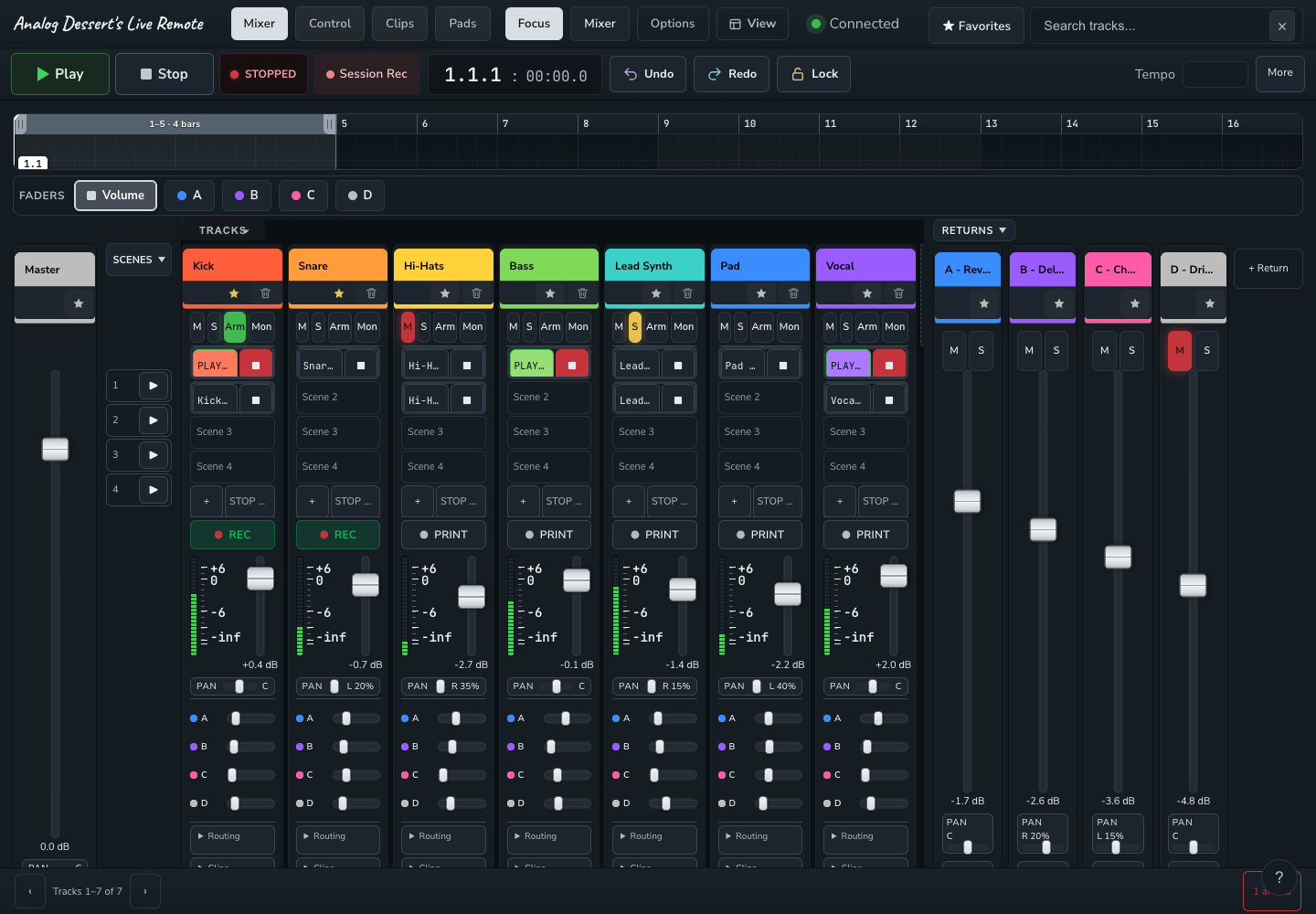
Analog Desserts’ Mobile Remote for Ableton Live
Record without leaving your instrument.
Arm tracks, launch clips, customize pads, and mix Ableton Live from your phone, tablet, or another computer while your music runs on your Mac or Windows machine.
FREE
Black Friday offer. Claim through Cyber Monday, November 30, 2026.
One license covers 2 computers
- Phone • Tablet • Computer Ableton Live 11+ • macOS / Windows • Same Wi-Fi Not affiliated with Ableton
What you can do from your phone
- Record without leaving your instrument.
Arm tracks and capture takes from your phone. - Control playback across the room.
Start, stop, and launch clips. - Build your own control pads.
Assign each pad an action and choose how it responds to a press. - Mix from your phone or tablet.
Adjust volume, pan, and sends.
One tap to set up a track for recording
Recording one Ableton track to another took too many clicks. Create a new audio track, route audio into it, mute it, then arm it for recording. I made one button to do all four.
- Tap PRINT
- The Remote creates, routes, mutes, and arms the destination track.
- Tap REC
- Record the source track to audio.
- Tap STOP
- End the recording.
Choose where to record from
Hold PRINT to select Pre FX, Post FX, or Post Mixer.
Mixer, clips and pads
- MixerAdjust volume, pan and sends. Keep the master and returns in view.
- Clips and scenesLaunch clips and scenes. Record into empty slots. Rename, duplicate or delete clips.
- Track controlsMute, solo, arm or record from the track grid.
- Custom layoutsSave your own layouts with pads, faders and knobs for tracks, transport and device parameters.
- Timeline and loopsJump to a bar or locator. Drag the loop handles to set the range.
- Control lockLock faders and knobs while keeping transport and clip buttons active.
16 pads you can set up your way
Assign a different action to each pad. Tap to trigger or toggle it. For actions that support momentary mode, hold the pad to keep the action active and release to turn it off.
- Run the transportStart or stop playback, record, or tap in a tempo.
- Control individual tracksAssign pads to mute, solo, or arm specific tracks.
- Stop all clipsGive Stop All Clips its own pad. Launch individual clips from the Clips view.
Connect your phone to Ableton Live
- Set up the desktop Remote
- Install the Remote on the Mac or Windows computer running Live.
- In Live, open Preferences → Link / Tempo / MIDI.
- Under Control Surface, select Analog Dessert Remote. Restart Live.
- Scan the QR code
- Open the Remote on your computer.
- On the same Wi-Fi, scan the QR code in the Remote’s status window with your phone or tablet.
- Use the Remote in your browser
- Open the link from the QR code. No phone app is needed.
- Keep Live running on your computer while you control it from your phone.
To connect another computer on the same Wi-Fi, choose Connect phone → Copy link in the Remote mixer and open the full pairing link on that computer.
Use a fully local Ableton User Library. Cloud-synced User Libraries are unsupported.
Ableton and Live are trademarks of Ableton AG. Analog Dessert Remote is an independent product and is not affiliated with, sponsored by or endorsed by Ableton.
Pricing
Analog Dessert Remote
Version 1.0 for macOS and Windows
- Mac 10.14+
- Windows
One-time purchase. No subscription.
Help!
I put a lot of care and at this point, thousands of hours of time into these tools!
My dream is to make Analog Dessert my full-time work. Please help me get there: a follow is a small, free gesture that means a lot to me!
Help me reach 5,000 Instagram followers!
Following is optional. No social account is needed to download.
Continue to Download
One license covers 2 computers
More from Analog Dessert
-
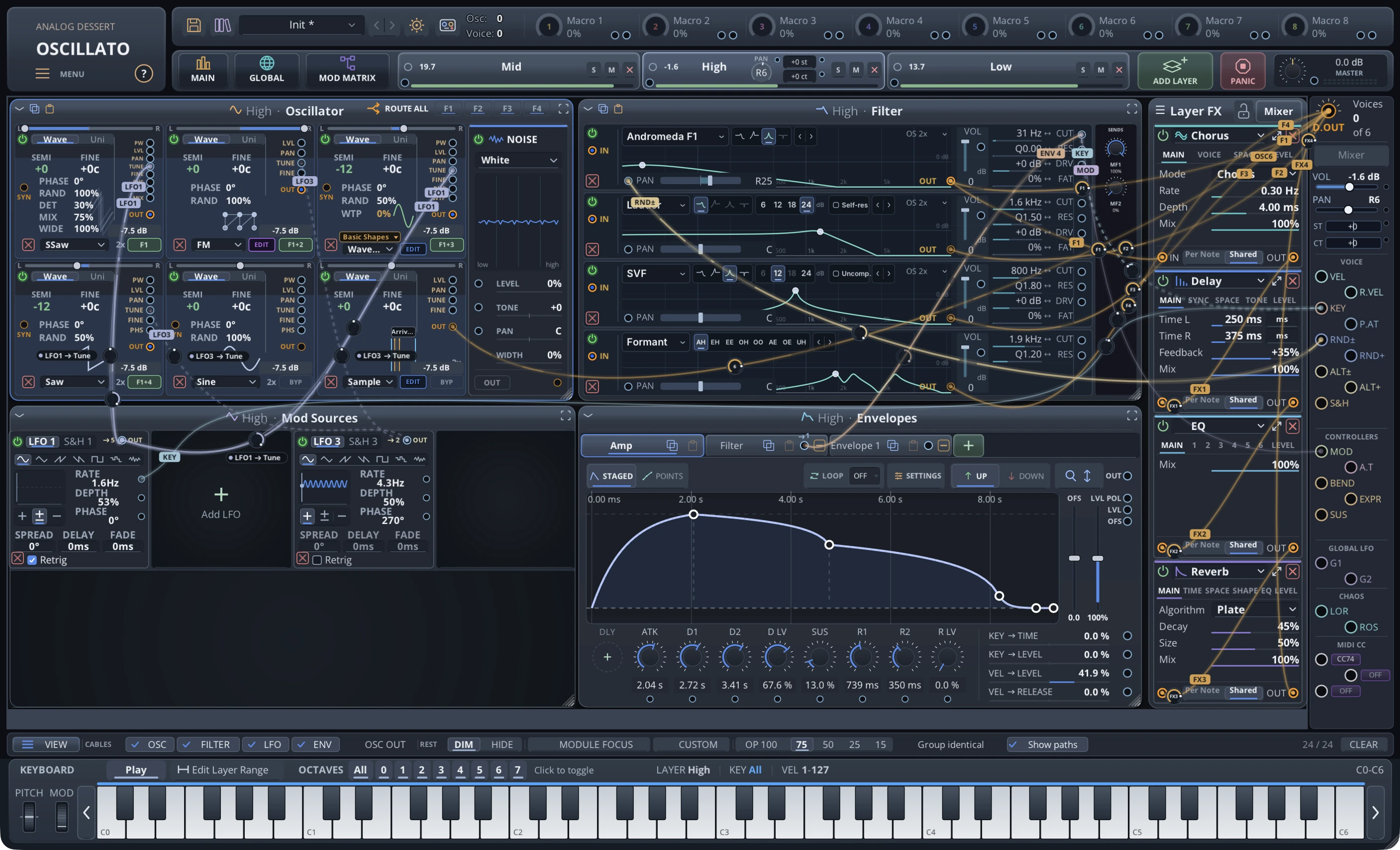 Early Access
Oscillato
One esoteric plugin replaced my room full of analog polysynths. It sounds just as good, even better, and then some. Read on. Stack entire synths in one patch. Thousands of oscillators. Have… VST3 · AUv3 · AU · Mac · Windows$150$75 Explore -
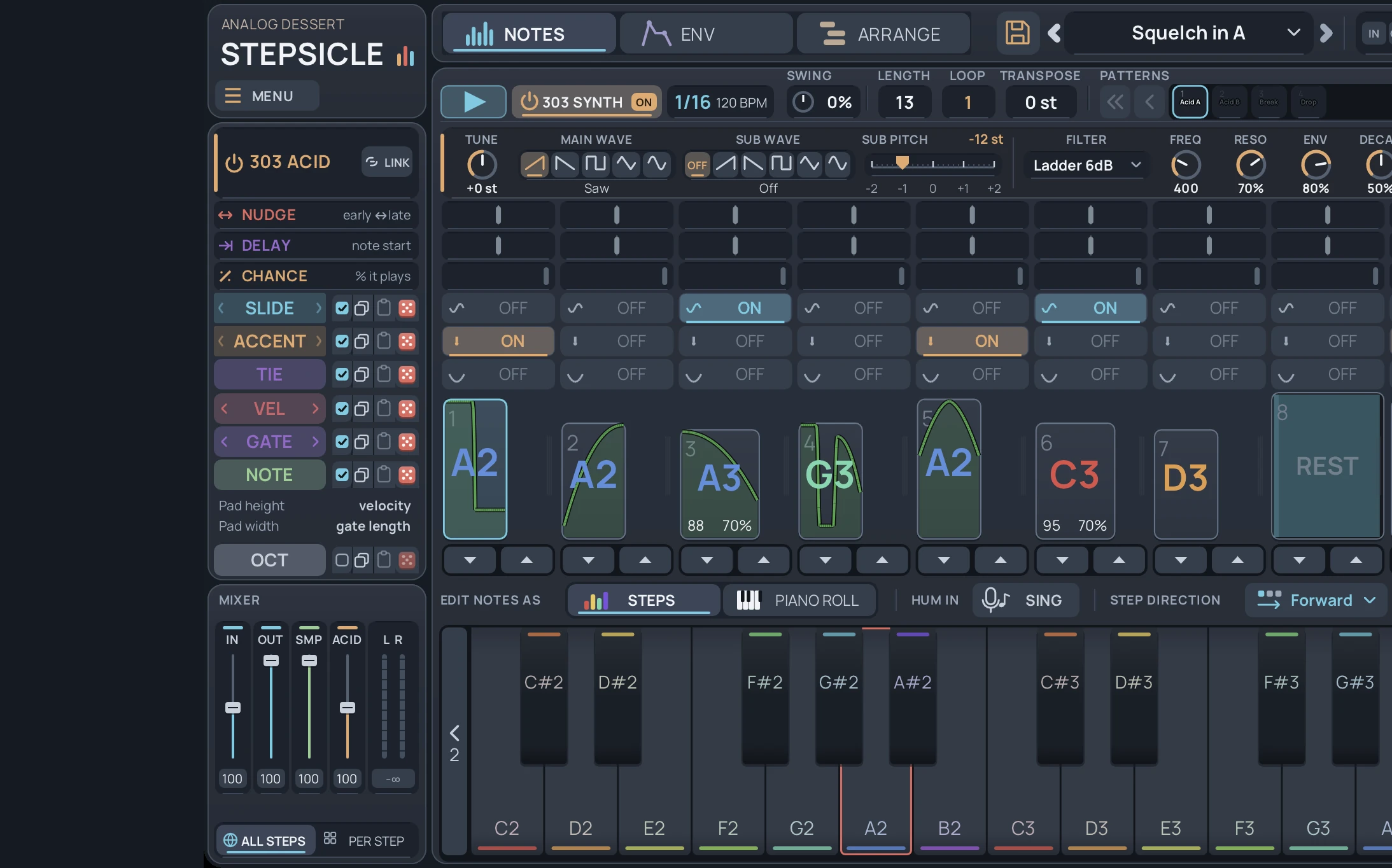
Stepsicle
Sequence hardware and software synths, reshape audio per step, and control modular gear from one pattern system. VST3 · Mac · Windows $49 Explore -
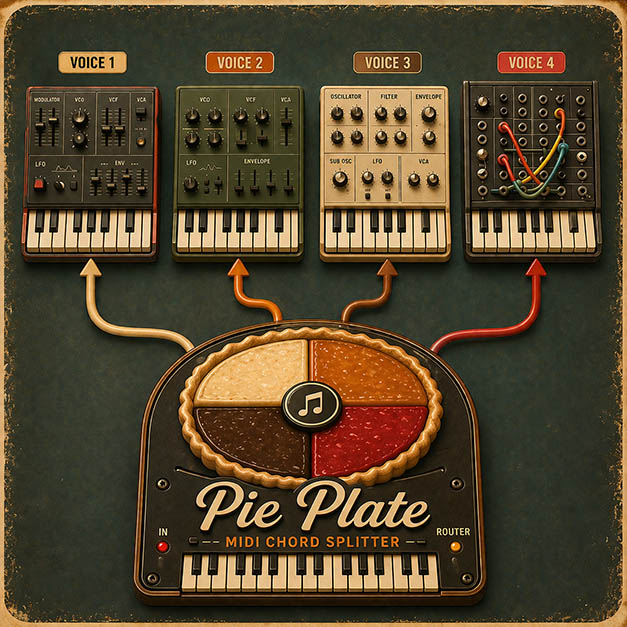
Pie Plate
A MIDI chord splitter for Ableton Live. Play a chord and each note goes to its own synth or track, so your mono synths play as one big, stable polysynth. Max for Live $19 Explore