OTO BAM Controller
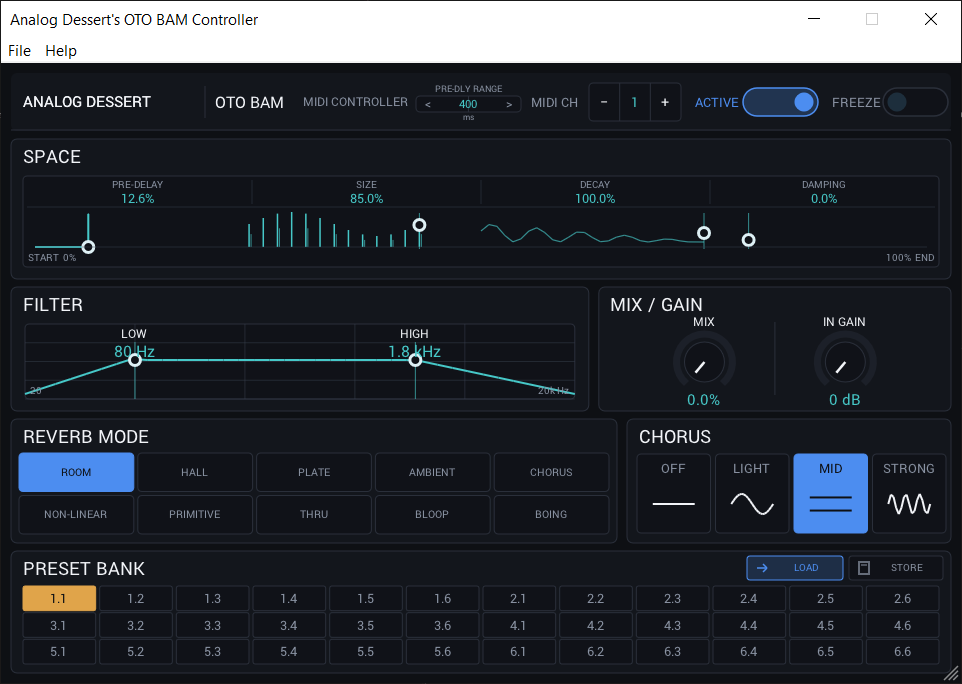
See and set every OTO BAM reverb control on one screen.
The OTO BAM is a great reverb, but like a lot of hardware I own, it hides its features behind tiny buttons, and that drives me mad. When you can see the reverb type and set the high and low damping next to it, the BAM comes alive.
I made this free OTO BAM controller so you can see and set every sound control on one screen, save and recall your settings, and change them from any DAW.
What is on the screen
- Size, pre-delay, mix and decay.
- Input gain and damping.
- Reverb type, chorus, Active and Freeze.
- Low cut and high cut on one filter graph. Drag the graph to set both. The values stay visible.
- The 36 presets and the MIDI channel.
How the OTO BAM controller connects
The controller sends MIDI to the BAM: control changes 12 to 23 for the sound controls and program changes 0 to 35 for the presets, on the MIDI channel you choose. MIDI that comes in from your keyboard or DAW passes through to the BAM.
The controller sends settings to the BAM. It does not read them back from the unit.
Pricing
OTO BAM
Free for Mac and Windows
- VST3
- AUv3
- AU
- Mac 10.14+
- Windows
Free. Enter your email at checkout to get the download.
Help!
I put a lot of care and at this point, thousands of hours of time into these tools!
My dream is to make Analog Dessert my full-time work. Please help me get there: a follow is a small, free gesture that means a lot to me!
Help me reach my first 1000 Instagram followers!
Following is optional. No social account is needed to download.
Continue to Download
More from Analog Dessert
-
 Free for Mac and Windows
SRV-2000 Controller
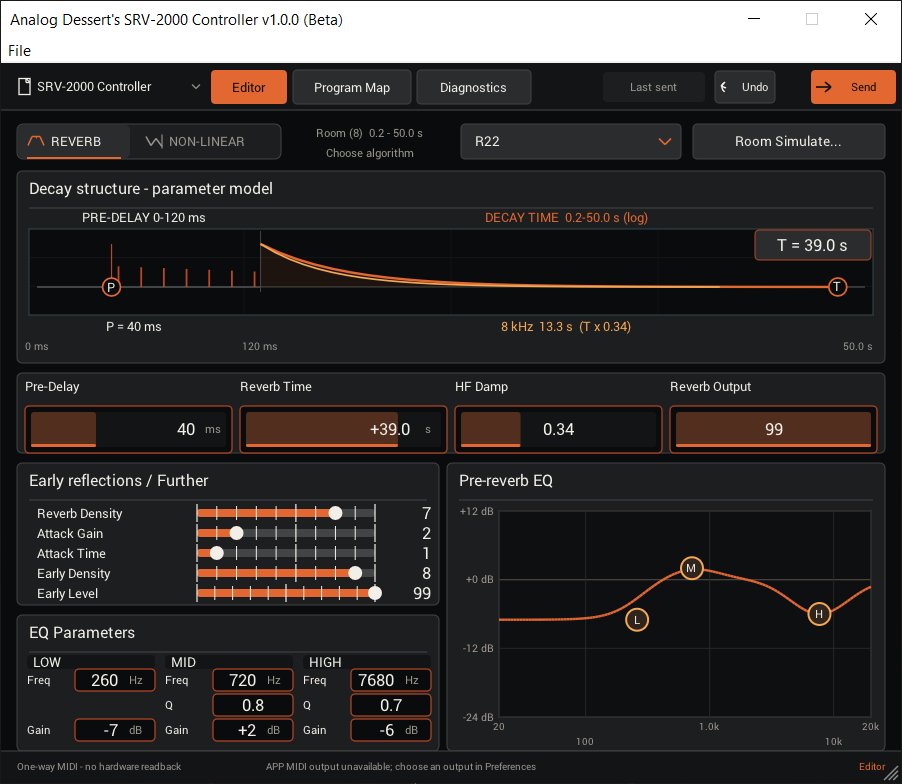
A free controller for the Roland SRV-2000 reverb. Standalone app and VST3/AUv3 plug-in for Mac and Windows VST3 · AUv3 · Mac · Windows FREE Explore -
ADR 68K Editor
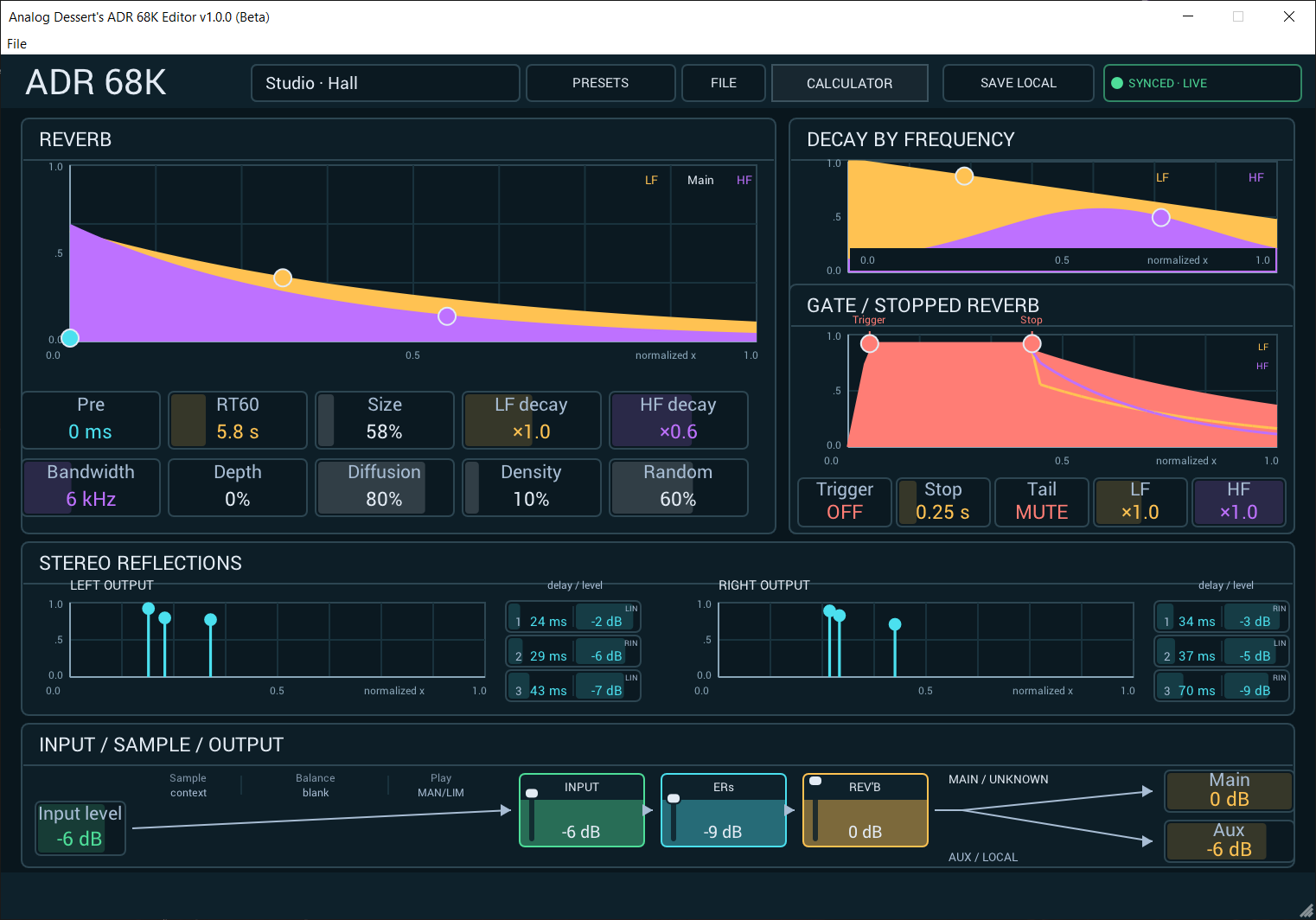
An editor for the AKG ADR 68K reverb and multi-effects unit. Edit every effect on screen or on the unit, set delays to your song tempo. App and plug-in for Mac and… VST3 · AUv3 · AU · Mac · Windows $49 Explore -
DP4 Editor
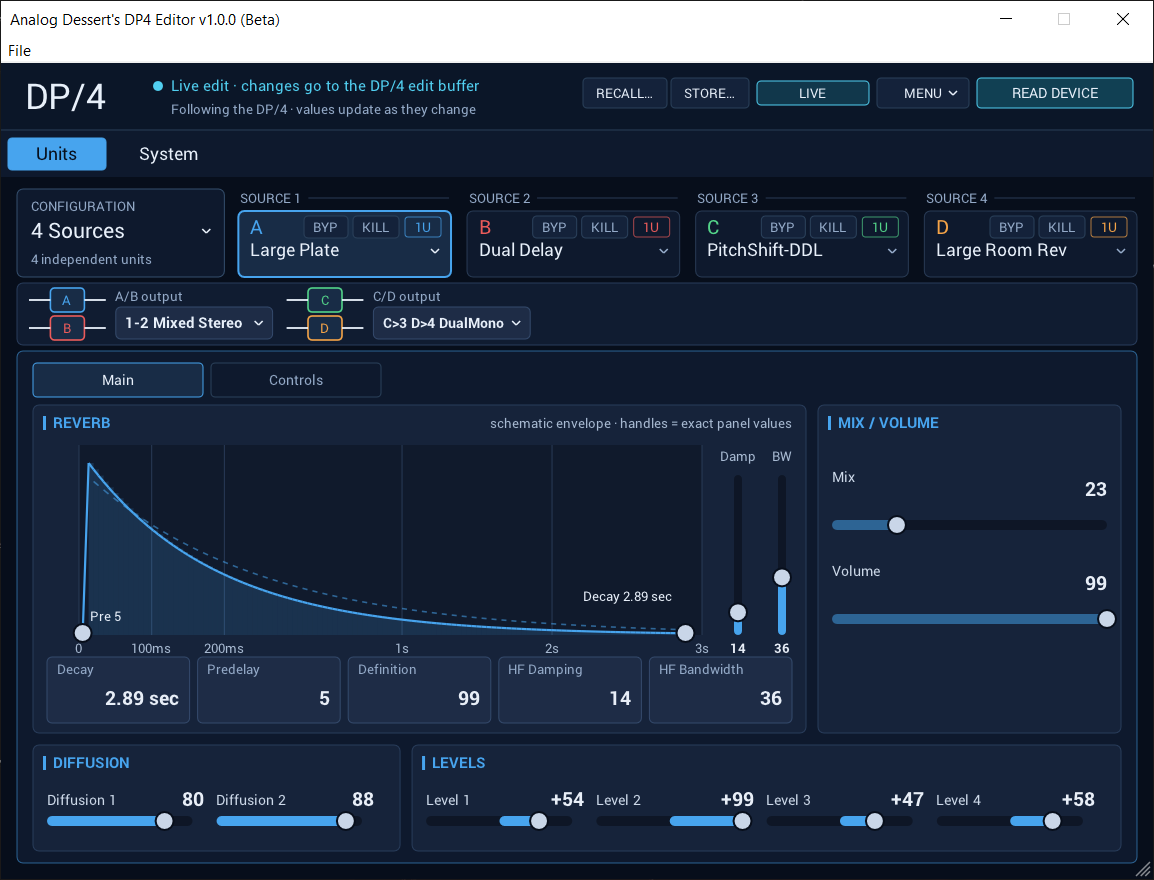
A two-way editor and librarian for the Ensoniq DP/4. Edit any algorithm on screen or on the unit, and the other side follows. App and plug-in for Mac and Windows. VST3 · AUv3 · AU · Mac · Windows $49 Explore