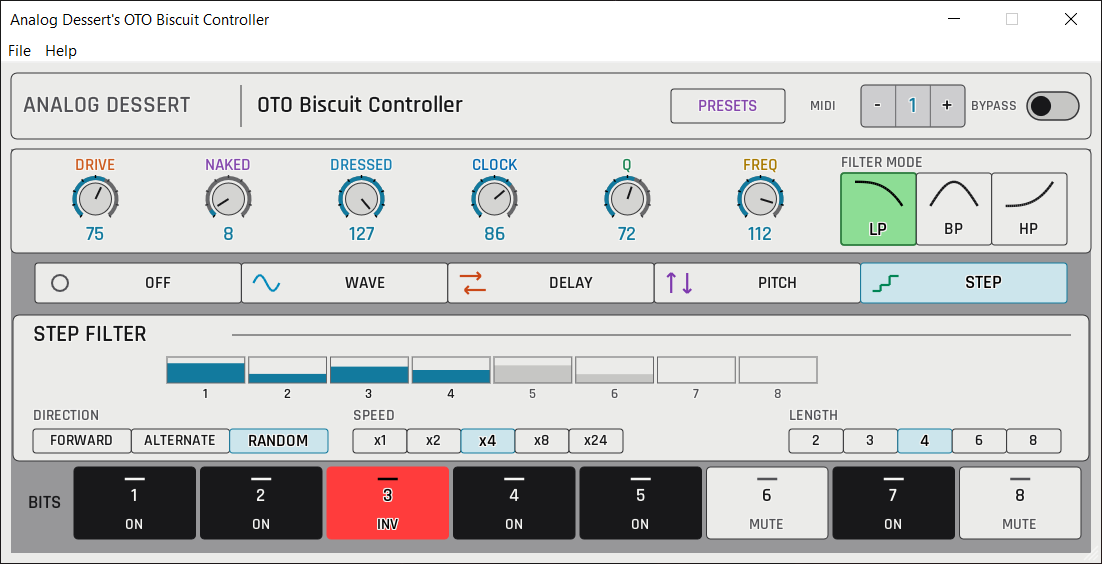
OTO Biscuit Controller
Every OTO Biscuit effect on one screen, with presets and DAW automation.
I love automating the dry and wet levels or the filter frequency on the OTO Biscuit from my DAW. Set the filter Q high and sweep the frequency: the Biscuit’s analog filter sounds nice like that. It has real 8-bit converters, an analog multimode filter and 16 presets on the unit.
The Biscuit hides its delay, rectifiers and wave shaper behind secret buttons and menus. I made this free OTO Biscuit controller so every parameter is right in front of you, with presets and DAW automation.
What you can control with the OTO Biscuit controller
- Drive, and the dry (Naked) and processed (Dressed) levels.
- Filter mode, frequency and Q.
- FX type and wave type.
- Delay division, feedback and free clock.
- Pitch shift and clock.
- Step filter mode, speed and number.
- Bypass and MIDI channel.
Pricing
OTO Biscuit Controller
Free for Mac and Windows
- VST3
- AUv3
- AU
- Mac 10.14+
- Windows
Free. Enter your email at checkout to get the download.
Help!
I put a lot of care and at this point, thousands of hours of time into these tools!
My dream is to make Analog Dessert my full-time work. Please help me get there: a follow is a small, free gesture that means a lot to me!
Help me reach my first 1000 Instagram followers!
Following is optional. No social account is needed to download.
Continue to Download
More from Analog Dessert
-
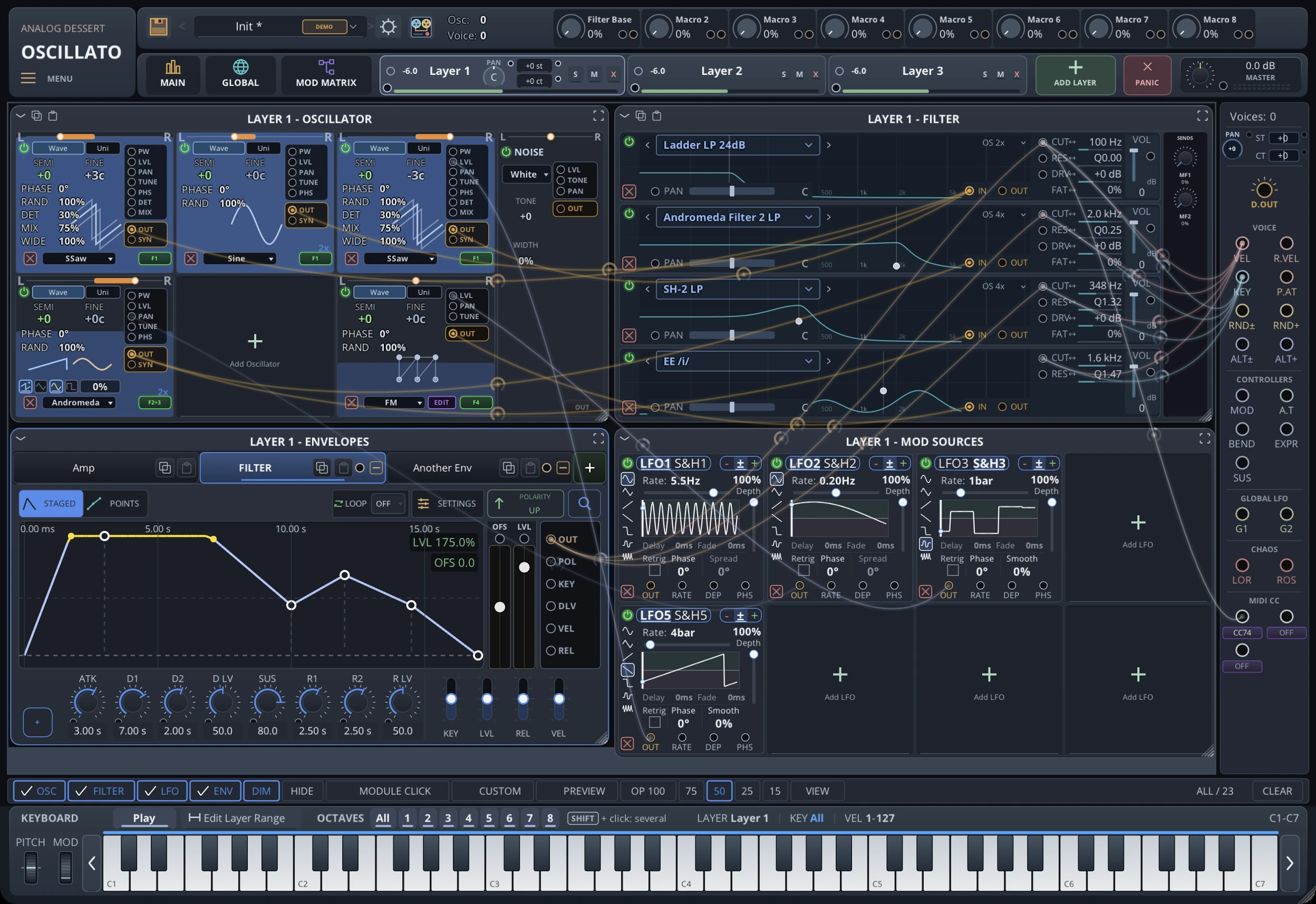 Early Access
Oscillato
Like A Room Full of Analog Polysynths. Layer Thousands of Oscillators. In One Plugin. Just click + to add another Envelope, Filter, or Oscillator as you need more. Why limit yourself with… VST3 · AUv3 · AU · Mac · Windows$150$75 Explore -
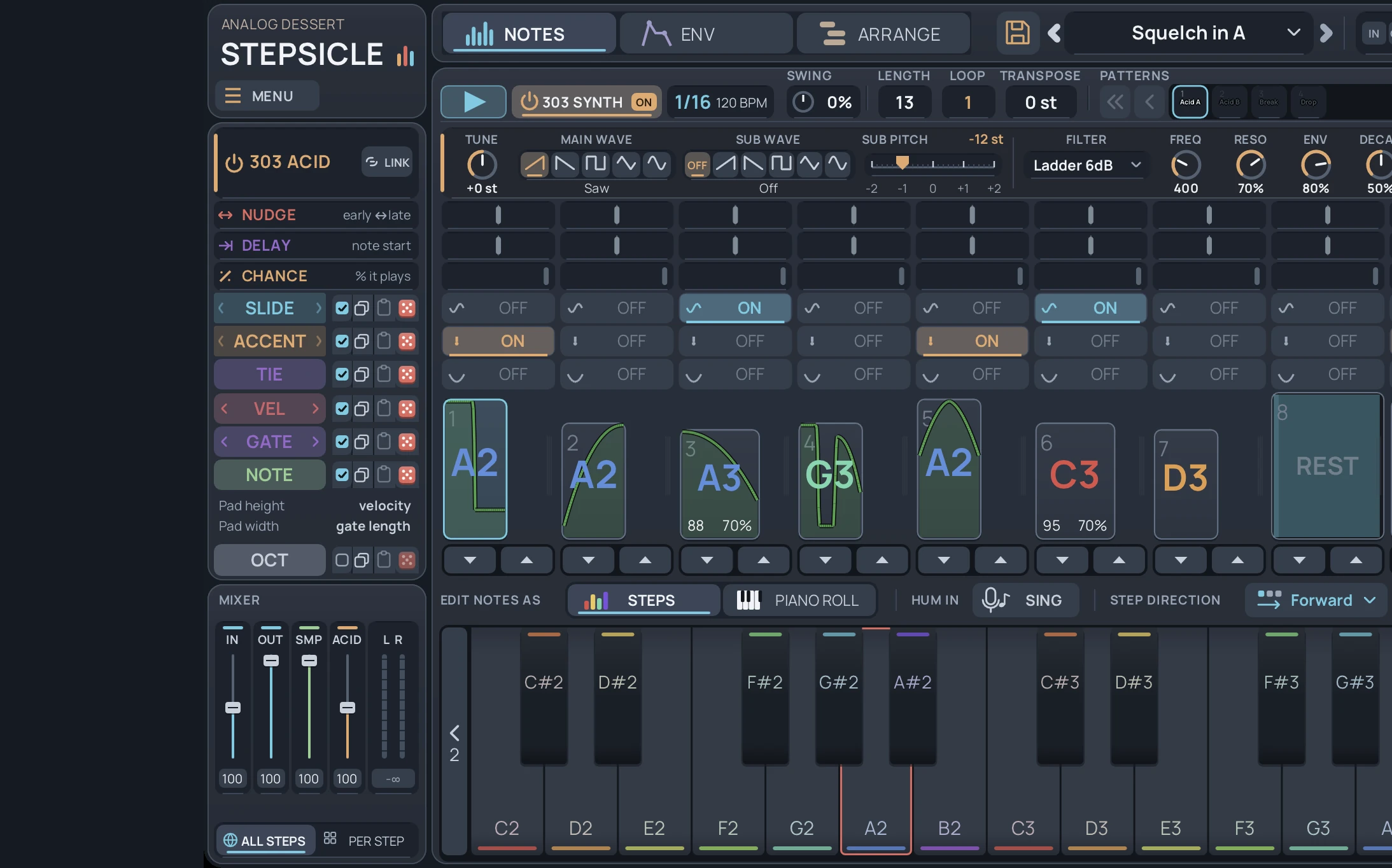
Stepsicle
Sequence hardware and software synths, reshape audio per step, and control modular gear from one pattern system. VST3 · Mac · Windows $49 Explore -
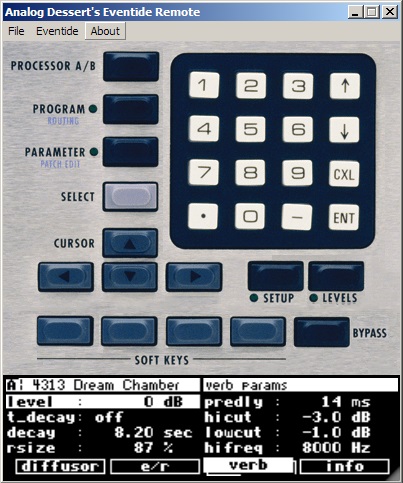
Eventide Remote
Eventide H8000FW and H8000 editor and controller. Orville confirmed by a customer; DSP4000 support expected. LCD mirror for Mac and Windows. $39 Explore